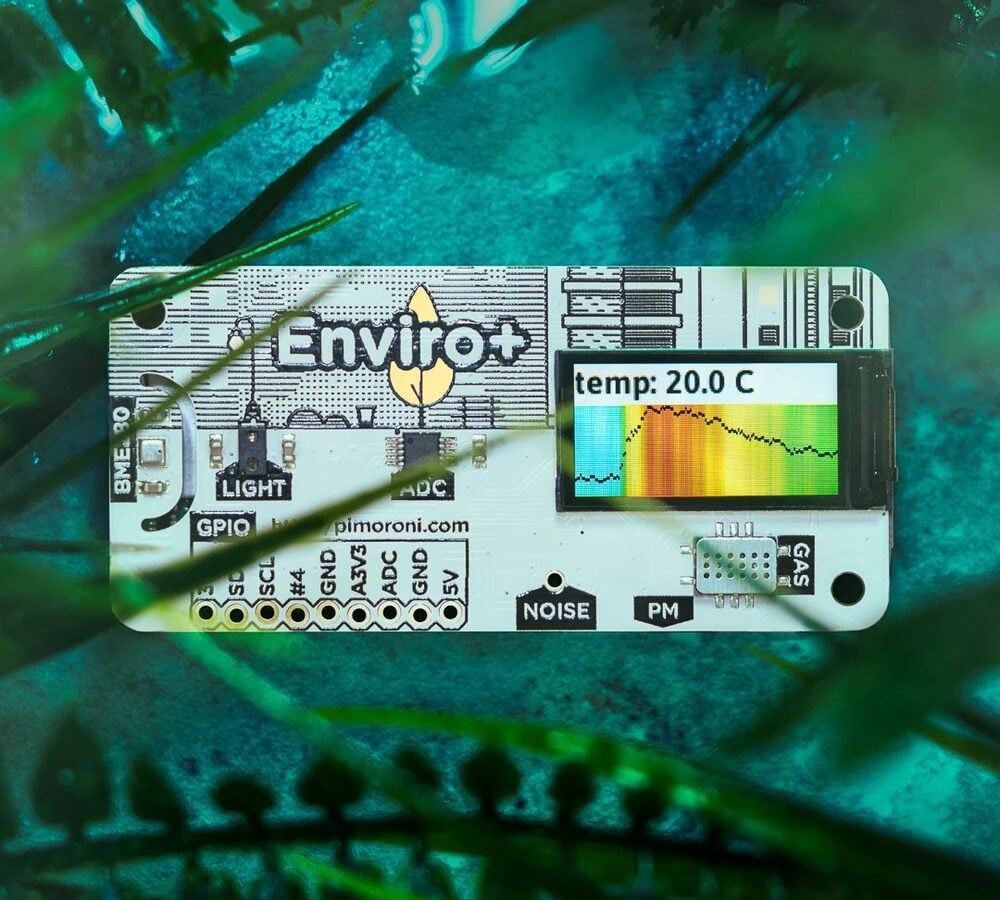
Maker electronics becomes easier to understand when code produces something visible in the physical world. A light changes, a sensor responds, a motor moves or a small display shows information. That immediate feedback connects programming with electronics in a way that abstract exercises often cannot. Pimoroni focuses heavily on boards, displays, sensors and kits designed for this kind of experimentation. For a beginner, the best route is usually a compact project with a clear result rather than a large build containing many unfamiliar parts. A simple success creates a foundation for understanding wiring, power, inputs and outputs before more complex combinations are attempted.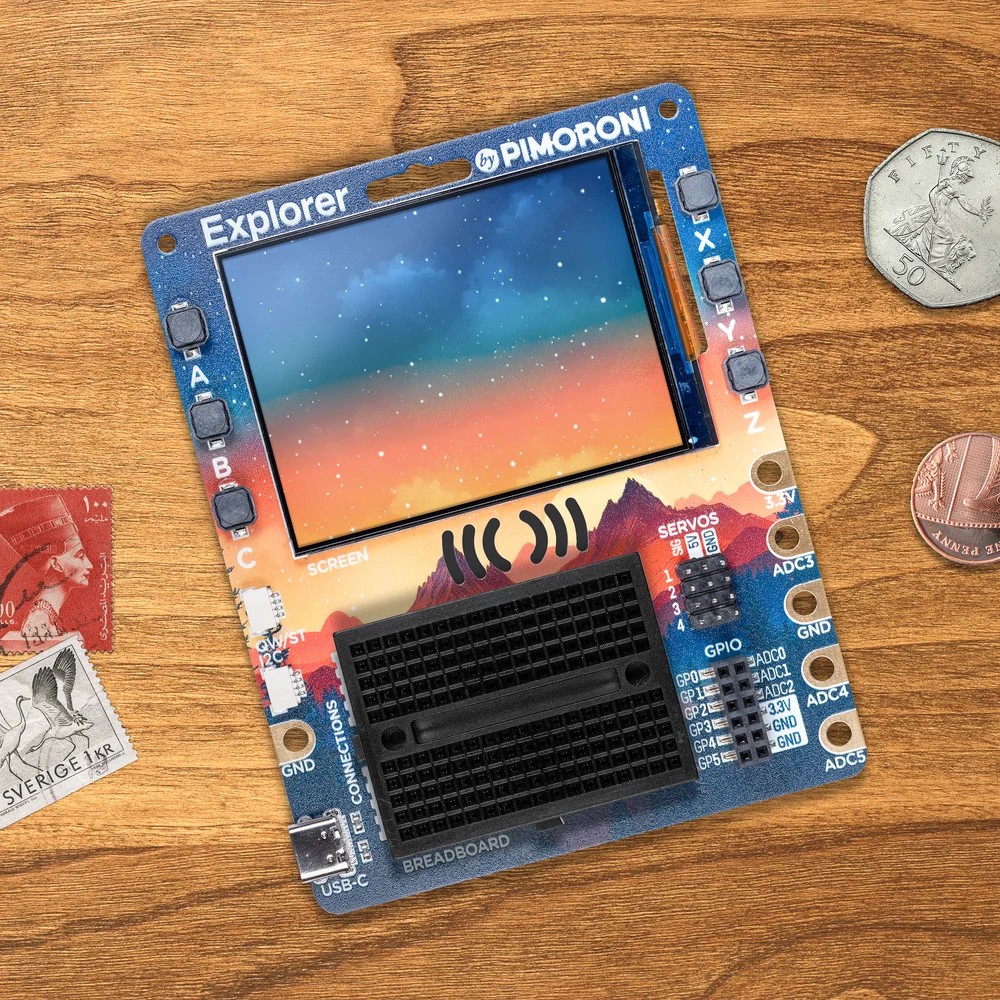
Choose a project that gives visible feedback
Projects with obvious feedback are particularly useful because troubleshooting becomes more direct. A button controlling an LED can demonstrate digital input and output. A temperature sensor feeding a display introduces data reading and presentation. A small servo adds motion and timing. Pimoroni sells hardware that brings many of these elements into the same maker ecosystem, which can reduce uncertainty about connectors and example code. The learning value comes from changing one thing at a time. Adjusting a threshold, replacing a sensor or changing an animation makes cause and effect easier to observe than building a large system all at once.
Keep the first circuit simple
Simplicity also matters electrically. A beginner benefits from understanding voltage levels, polarity and safe current limits before combining many modules. Breadboards and plug-in connectors make experimentation easier, but they do not remove the need for careful wiring. Product pages and guides from Pimoroni can help clarify which boards expose particular inputs, outputs and connector standards. A small circuit should be checked against a diagram before power is applied, especially when motors, batteries or external supplies are involved. Clear labelling of jumper wires and a habit of disconnecting power before changes can prevent many of the most frustrating early mistakes.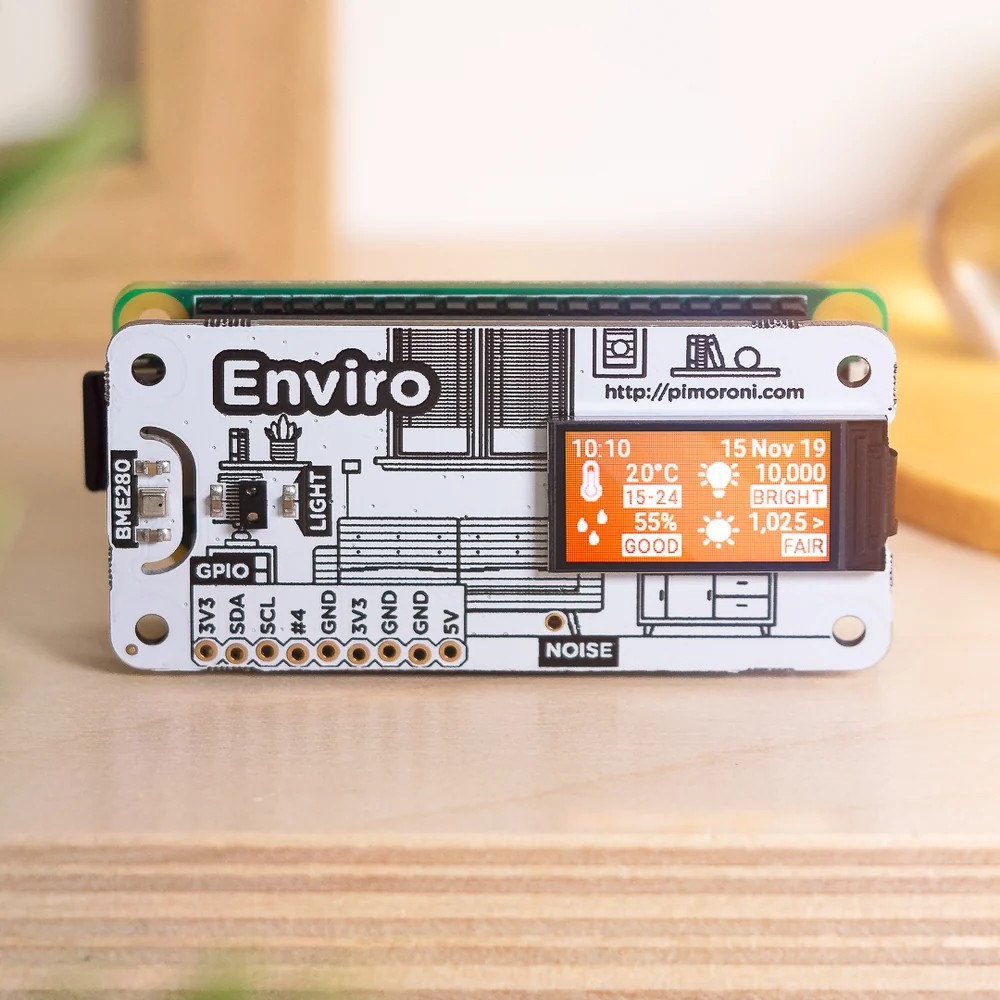
Create a small reusable parts kit
A reusable parts kit makes later projects quicker to start and easier to compare. It does not need to be large. A practical collection might include
– a few LEDs and resistors for testing basic outputs and simple visual signals
– several push buttons or switches for learning how physical inputs behave
– one or two sensors that measure light, temperature or movement
– jumper wires, a breadboard and suitable cables for temporary prototypes
Pimoroni offers more specialised components once those basics feel familiar, but a small kit encourages repeated use of the same concepts. Repetition builds confidence and helps a maker recognise whether a problem comes from code, wiring or the component itself.
Turn mistakes into useful experiments
Mistakes are not wasted effort in physical computing. A circuit that fails to respond can teach more than a copied project that works immediately, provided the fault is investigated methodically. The maker can check power first, then connections, then software and finally individual components. Keeping notes about pin assignments and code changes makes that process much faster. Pimoroni suits this experimental style because the catalogue ranges from beginner-friendly boards to displays, robotics parts and breakout modules that can extend a working idea. Progress is most sustainable when each new component adds one concept at a time. That turns a collection of gadgets into a structured learning path and gives every finished build a clear connection to the skills developed along the way.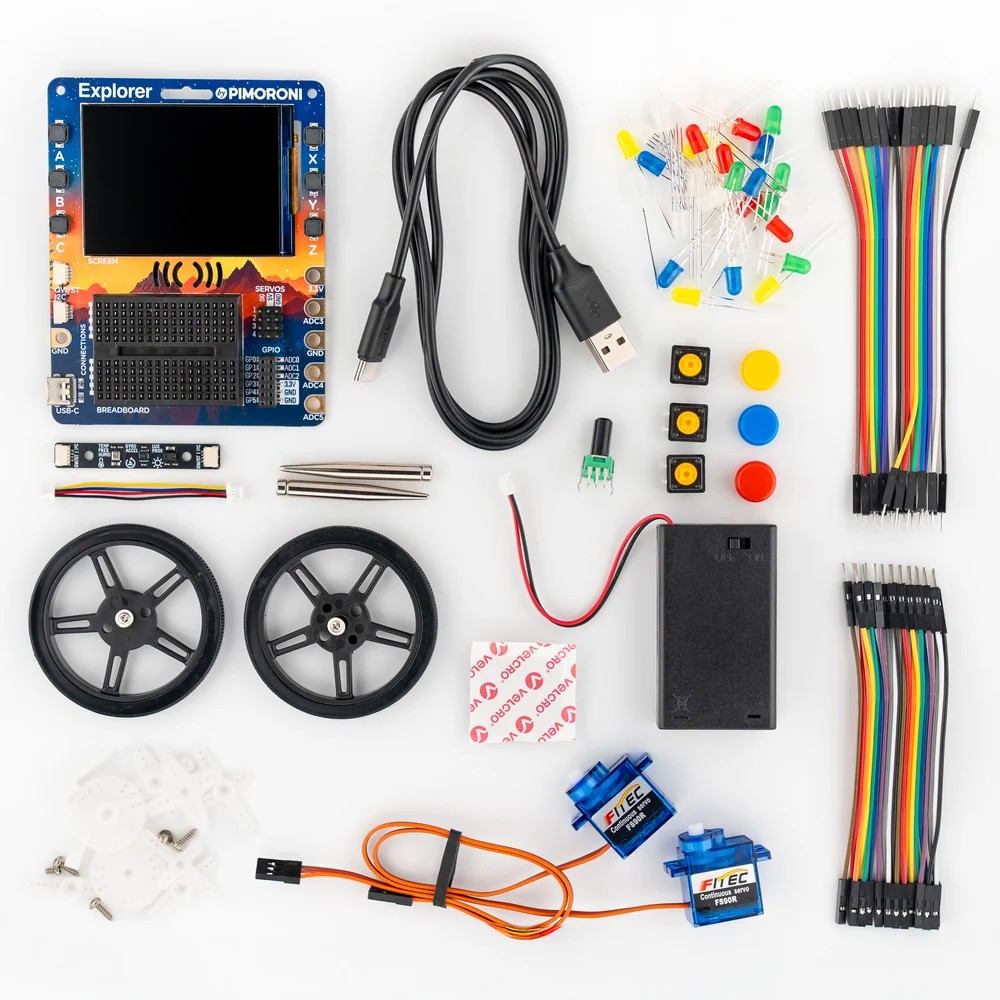
Code organisation becomes more important as projects grow. A beginner may start with a single script, but separating sensor reading, display updates and control logic into clear functions makes later changes easier. Meaningful variable names and short comments can save considerable time when a project is reopened after several weeks. Physical labels can serve the same purpose on the hardware side. A small tag on a cable or a sketch of the breadboard layout prevents confusion when several connections look alike. These habits may seem excessive for a tiny prototype, yet they are precisely what allows a simple experiment to become a reusable learning platform. Good organisation also makes it easier to share a project with another maker without requiring a long explanation of every hidden assumption.
Testing can follow a simple hierarchy. Power is checked first, then obvious wiring, then a minimal piece of code and finally the full application. If a display is blank, for example, a basic example program can establish whether the screen and connection are working before the rest of the project is investigated. The same principle applies to sensors and motors. Isolating a component reduces the number of possible causes and makes debugging less emotional. Once the fault is understood, the working test can be saved for future use. Over time a maker builds a personal library of small diagnostic scripts and known-good circuit patterns. That library is often more valuable than owning a very large collection of components because it turns unfamiliar problems into a sequence of familiar checks.
A finished prototype can be photographed, labelled and stored with its code before parts are reused. That small archive creates a record of progress and prevents successful ideas from disappearing when the breadboard is needed for another experiment.